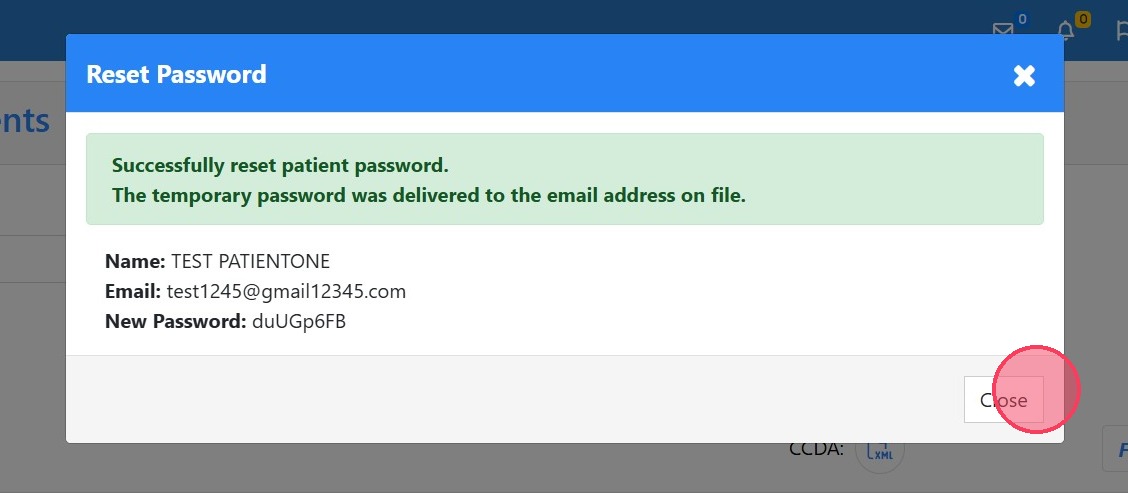
How to Reset a Patient's Password as a Staff Member
How to Reset a Patient's Password as a Staff Member
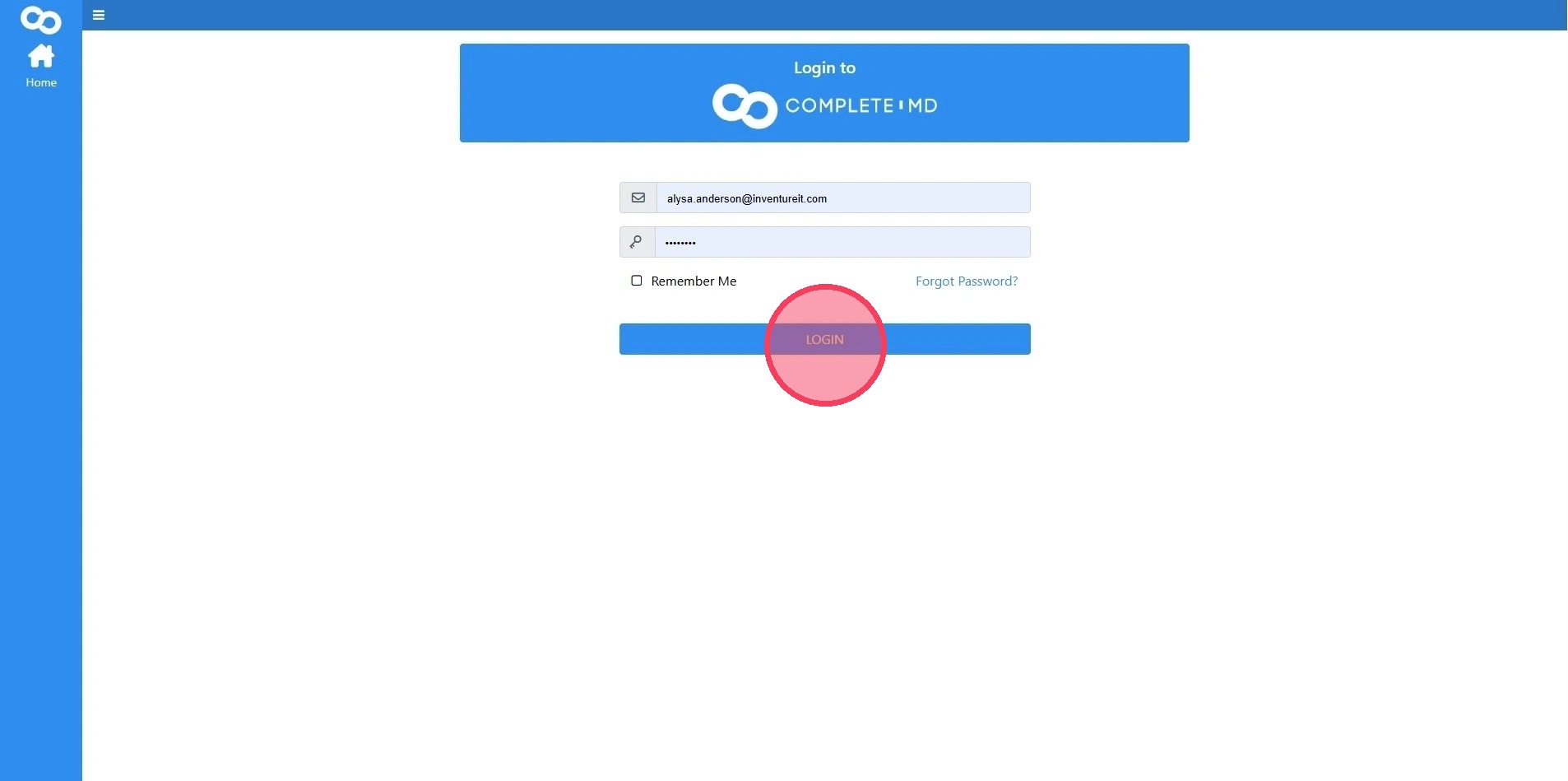
1. Navigate to https://portal.complete.md/login?ReturnUrl=%2F](https://portal.complete.md/login?ReturnUrl=%2F)
Log in using your provided credentials
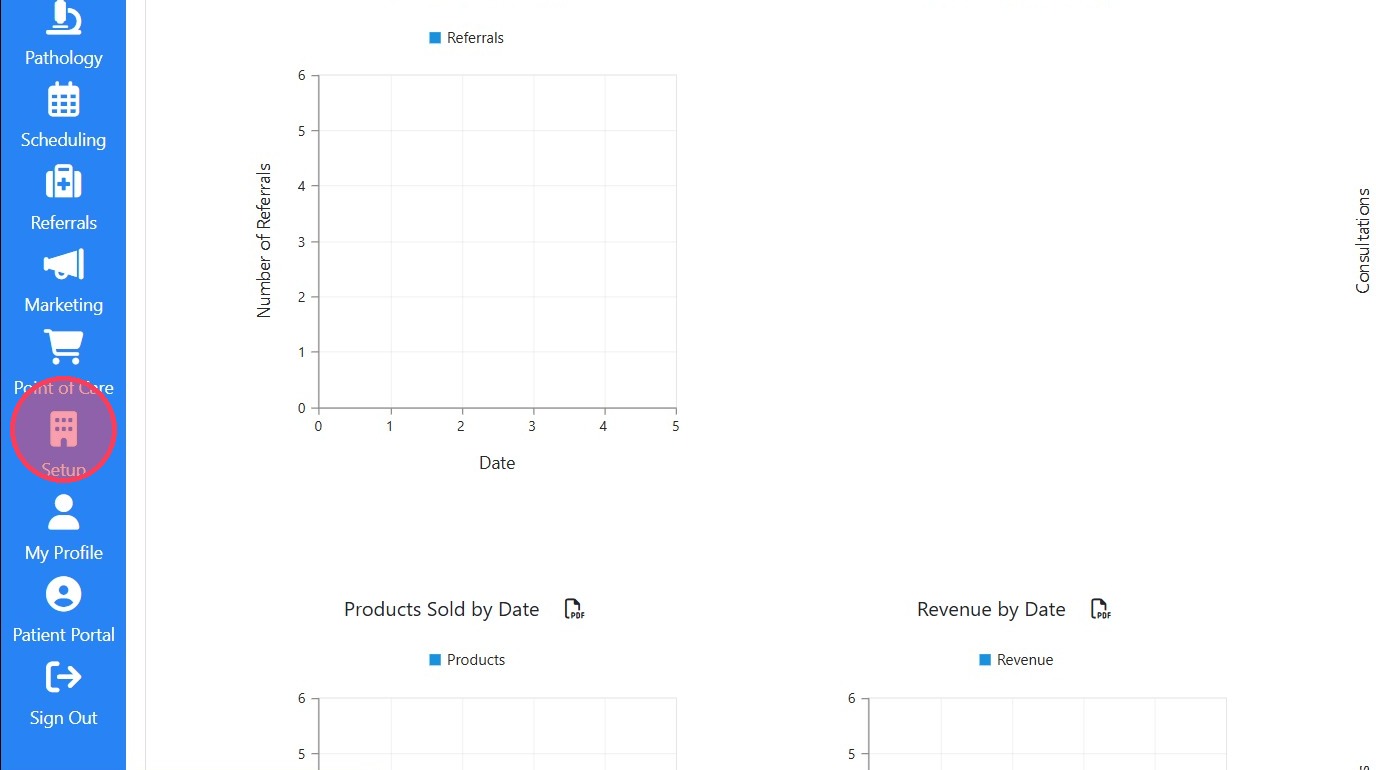
2. Click "Setup"
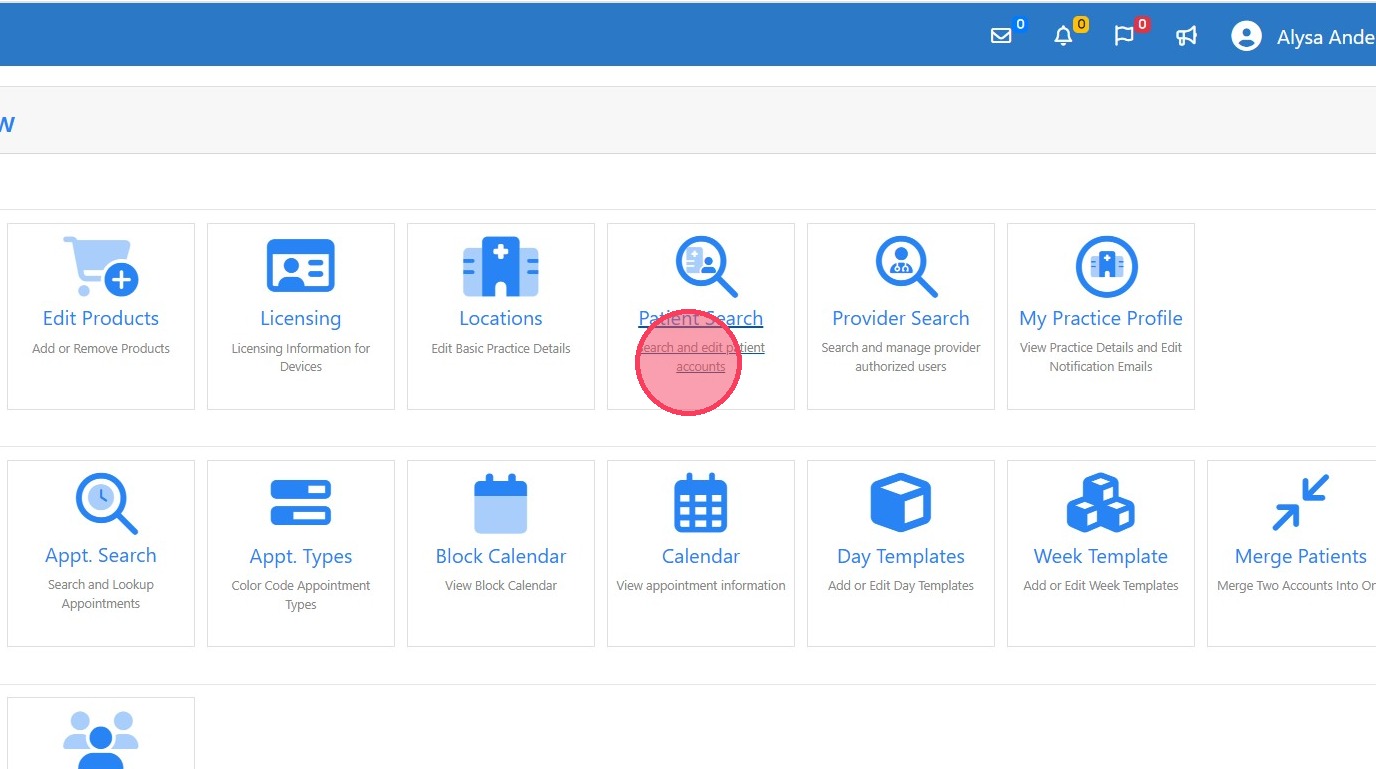
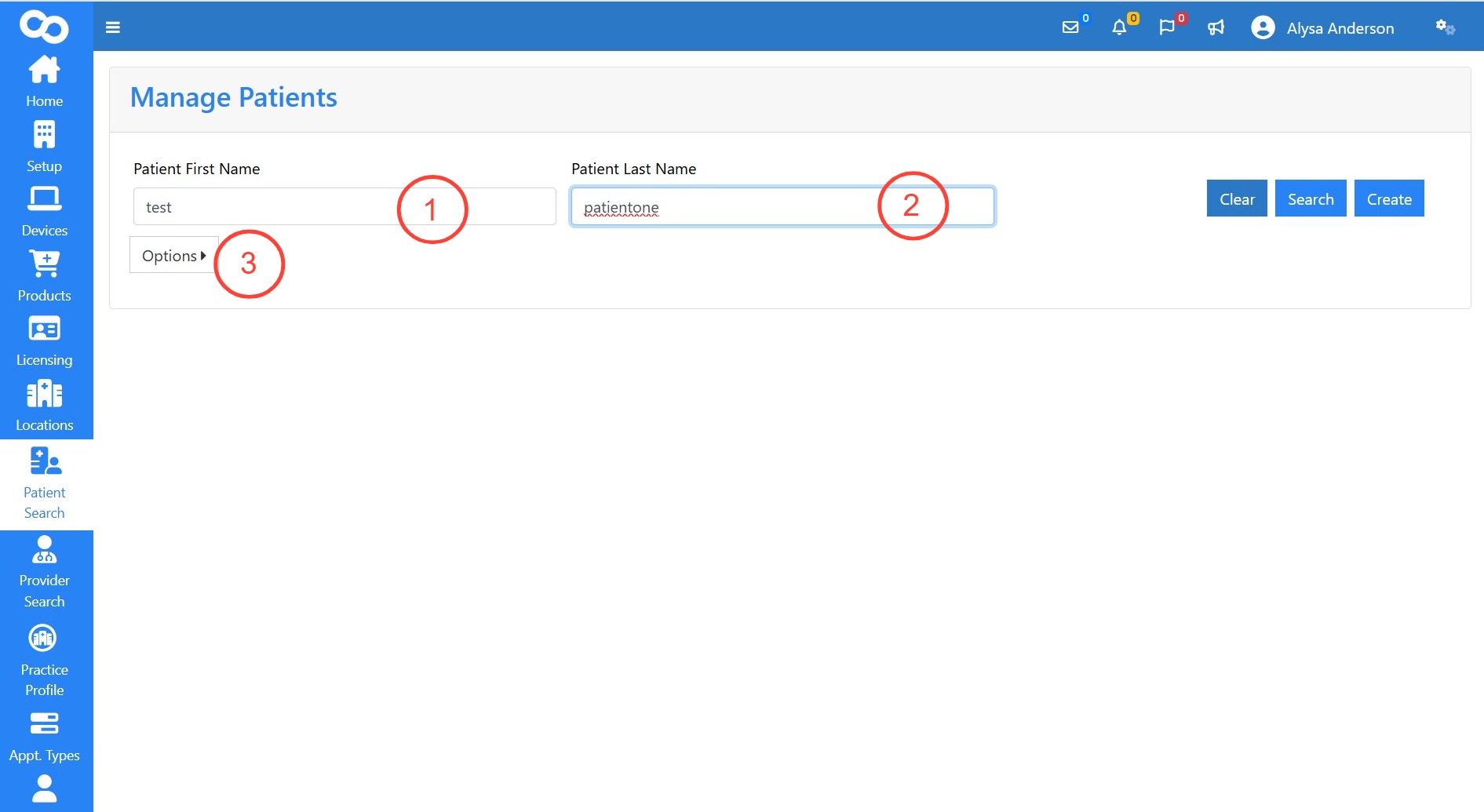
3. Click "Patient Search"
4. 1. Enter patient's first name
2. Enter patient's last name
3. Click "Options" to search by more advanced filters
Click "Search"
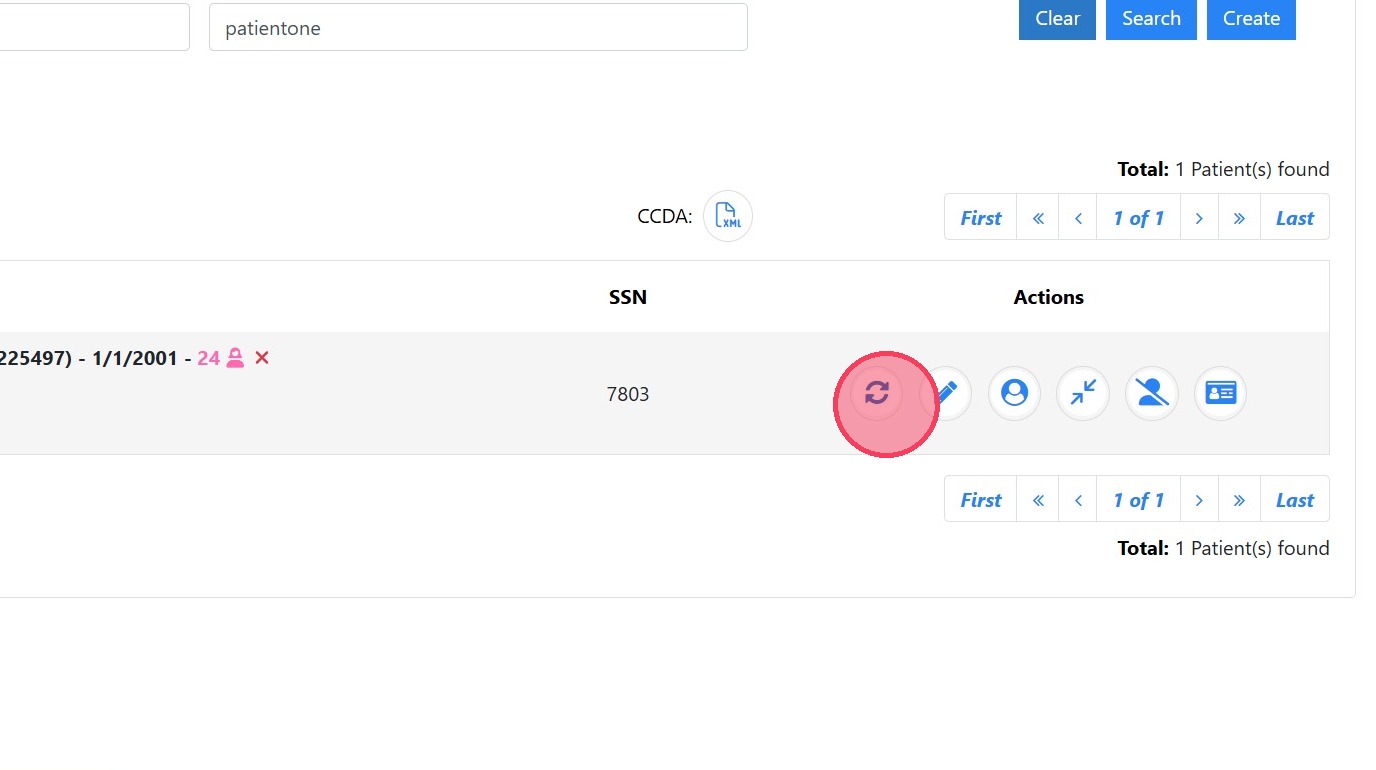
5. Click "Reset Password"
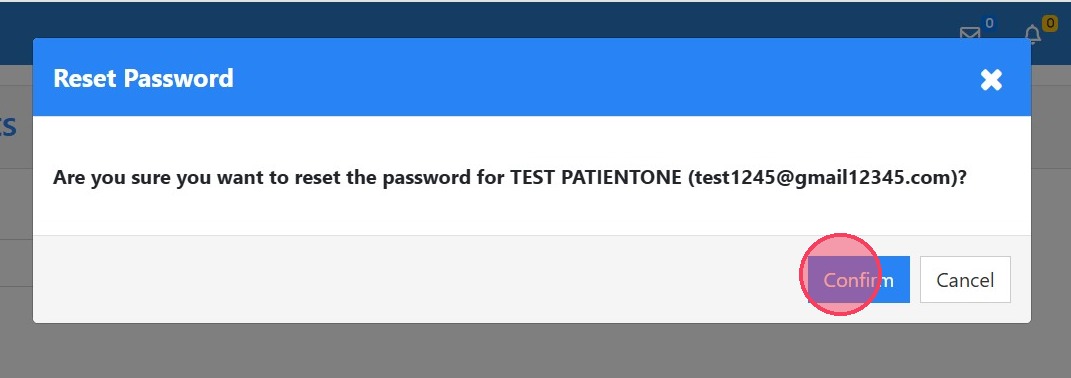
6. Click "Confirm"
7. Click "Close" to return to the search patient screen